


Quick answer: To sell vocal presets online, build a preset that works on at least ten different voices, export it as a channel strip setting, design clear cover art, host the download on your own store or a marketplace, and promote it with a tutorial video. Start by giving one preset away to learn what people want, then add paid packs once people ask for more.
New to free vocal presets? Our complete guide to free vocal presets covers where to find safe ones, how to install them and how to build your own.
What a vocal preset is
A vocal preset is a saved chain of effects that you load onto a vocal track. In Logic Pro it is a channel strip setting. In GarageBand it is a patch. The buyer loads it, turns on the mic and records with the chain already working. Presets first took off in rap and R&B, where a finished sound at the start of a session saves time. See our guide to creating your own vocal presets for what goes into one.
How I started selling vocal presets
I started in 2016 by recording my screen in Logic Pro while I made my voice sound like Drake, and posted it to YouTube as a tutorial. It was about 12 minutes long. Within six months the video had steady views and people were asking in the comments for the preset. I emailed it to them for free. Two months later I put it on a website, still at zero, then raised the price to $1.99 when people kept downloading it, then to $4.99 and later $10.99. By 2019 my store made about $50,000 from vocal presets (my own sales figure, as I wrote it in 2020). At the start almost nobody sold vocal presets, because producers were selling beats.
The lesson is to start with something free that helps people, listen to what they ask for, and charge once the demand is clear.
How to sell your vocal presets, step by step
- Build one preset for one clear sound. "Warm R&B lead" sells better than "all-purpose vocal preset." Use stock plug-ins where you can, because a file of settings does not include the plug-in itself, and buyers need their own copy of any third-party plug-in.
- Test it on at least ten different vocals. Male, female, quiet, loud, different microphones and rooms. If it only works on your voice, it is not ready. Note the settings buyers should adjust, such as input gain and compressor threshold.
- Write a one-page install guide. Most refund requests are install problems. Show where the file goes and how to load it. Our Logic Pro install guide and GarageBand install guide are good models.
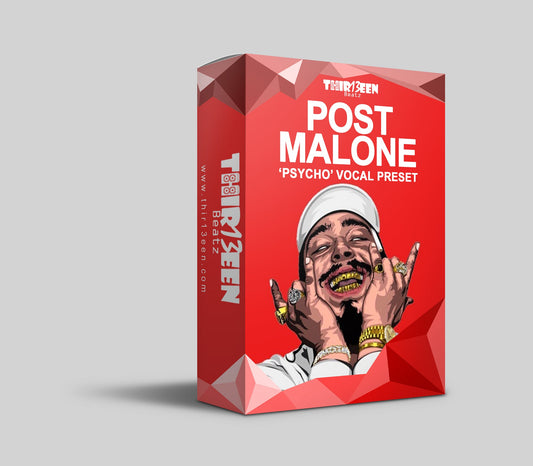
- Get cover art that stands out. Hire a designer or use a design tool. The image is the first thing a buyer sees. Click here to see the designer I use for mine.
- Choose where to sell. Your own Shopify store keeps the customer email list and gives you full control. Marketplaces such as Gumroad are quicker to start and take a fee on each sale. Check current fees on each platform before you choose.
- Promote with a tutorial. Show a before and after on YouTube and short clips on social media. Answer the questions in your comments, because those are your next products.
How to price vocal presets
There is no standard price. A guide based on our own store: single artist-style presets at $10, a starter pack of three best sellers at $19 and a large bundle at $49. Free presets earn trust and email signups. Raise prices slowly as your reviews and tutorials build proof, and keep the older price as a compare-at only if it was a real price.
Rules to follow so you stay out of trouble
- Use "style" wording, such as "Drake-style vocal chain", and state that you are not affiliated with the artist. Do not use artist photos, logos or the word "official".
- Do not include copyrighted audio samples in a preset unless you own them or have a licence.
- Check the licence of every third-party plug-in you build around.
- Write a refund policy and state it on the product page.
Mistakes new sellers make
- Selling a preset that only works on their own voice.
- Skipping the install guide.
- Making a single "mega pack" before proving one preset sells.
- Not collecting emails from free downloads.
See how it looks in a finished store
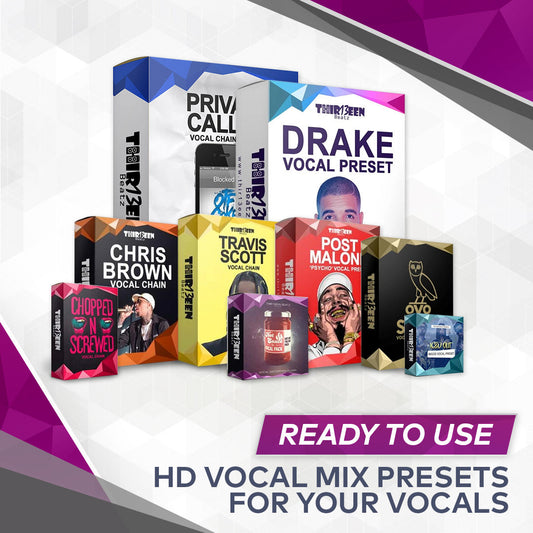
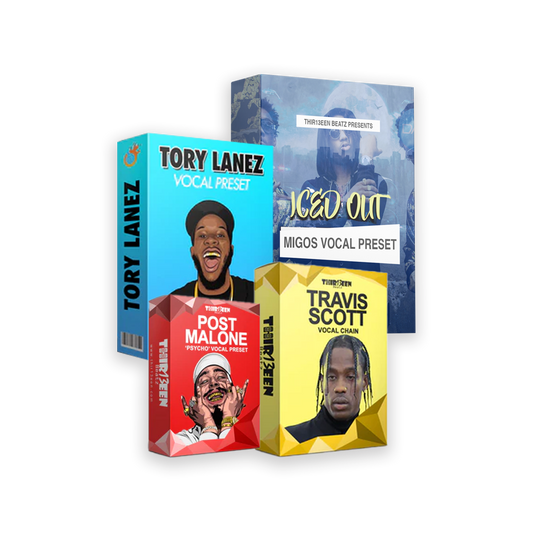
Browse the Logic Pro vocal presets and GarageBand vocal presets collections to see how packs, pricing and product pages are laid out, or try the free Toronto Warmth vocal preset to hear a finished chain.
Frequently asked questions
Can you really make money selling vocal presets?
Yes, some sellers do, but results vary widely. The figure above is my own result from 2019, not a promise. Most income comes from a small number of well-promoted products.
Do I need Logic Pro to sell presets?
No. Presets exist for GarageBand, FL Studio, Pro Tools and other programs. Sell for the program you know best, because you must test it properly.
Where should I host the download?
Your own store gives the most control. A marketplace is faster to launch. Many sellers start on a marketplace and move to their own store once they have customers.
How many presets should I launch with?
One. Prove that one preset sells and gets good feedback, then add packs.
Back to the full guide: free vocal presets for Logic Pro and GarageBand. Related: BandLab Review and Best Vocal Presets for Logic Pro (Free and Paid).



1 comentário
Muchas gracias. ?Como puedo iniciar sesion?